Registration
How to Start a 14-Day Free Trial
-
Visit the Kerjoo website and click on ‘Register for Free.’
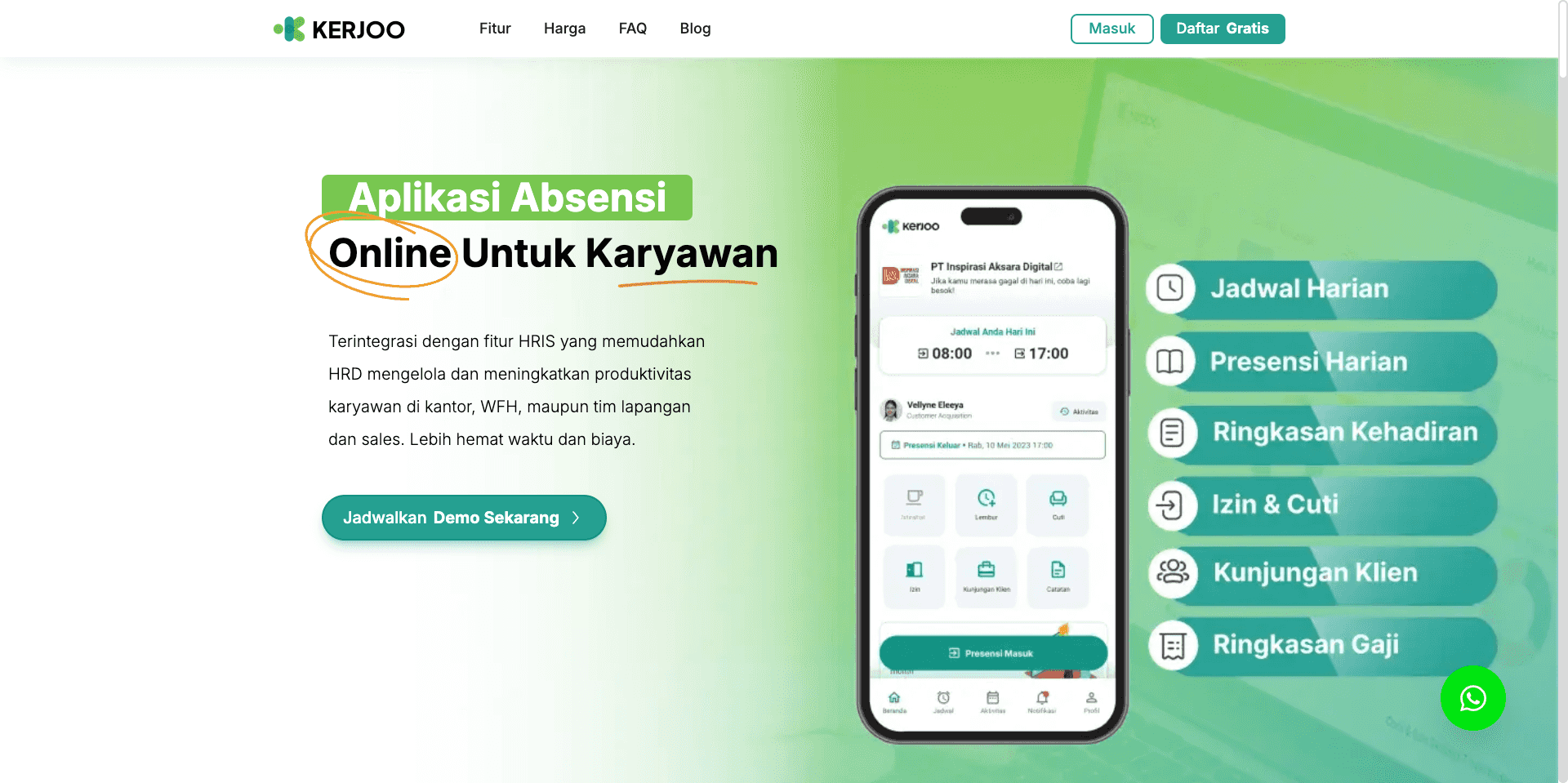
-
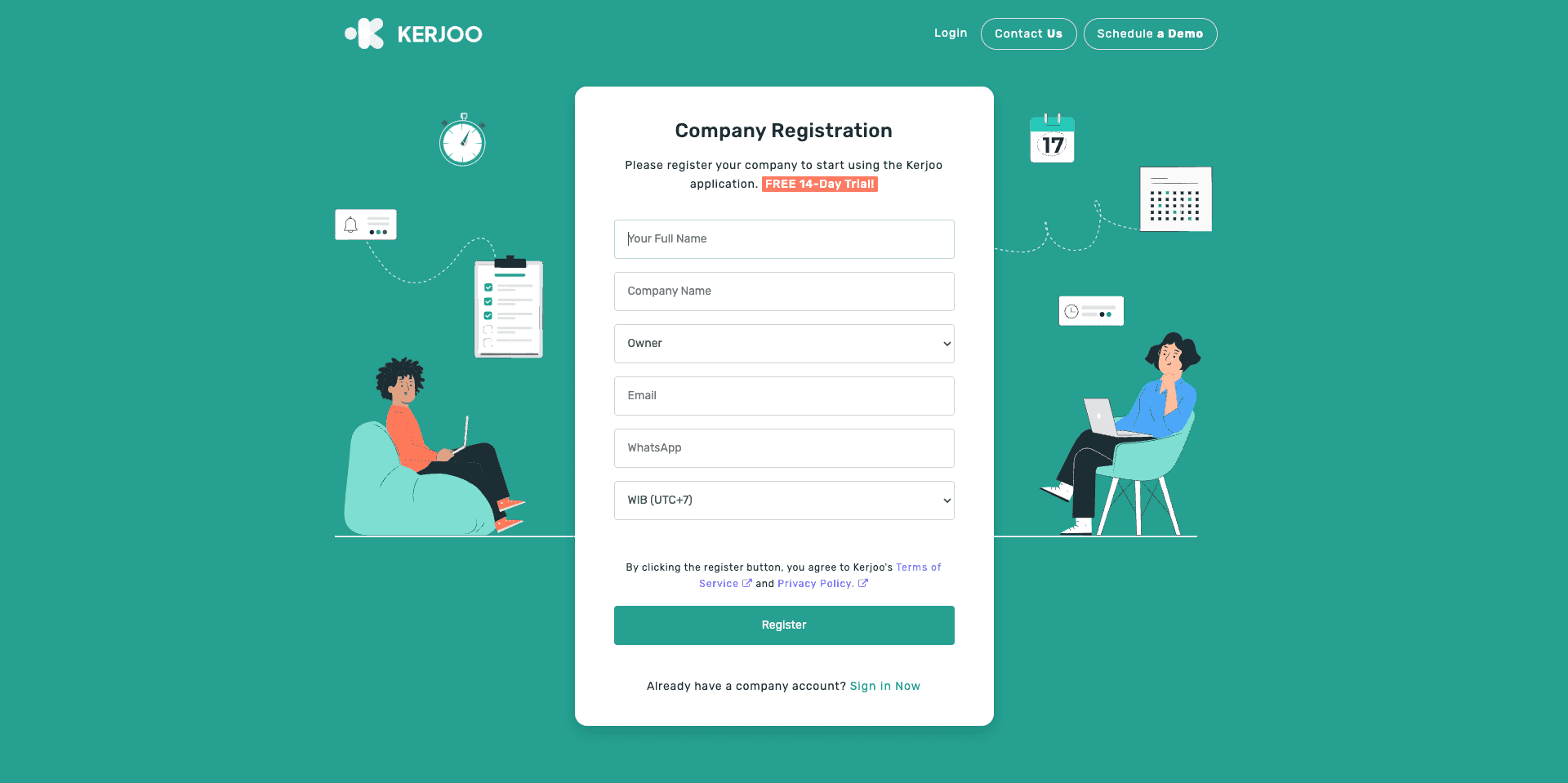
Complete your company details, then click 'Register.'
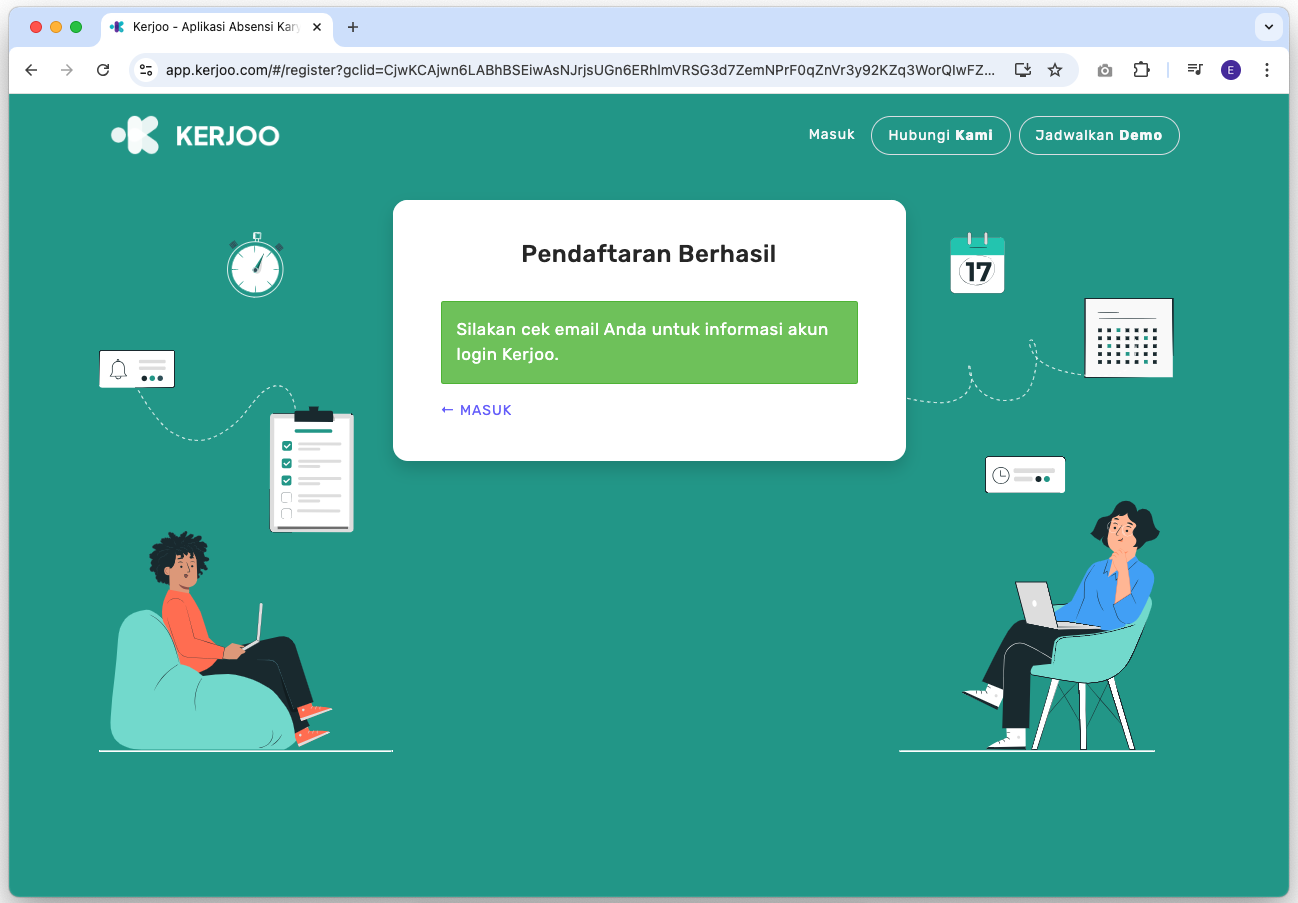
- Check your email for your admin panel login details from Kerjoo, including the password. Don’t forget to check your spam folder.
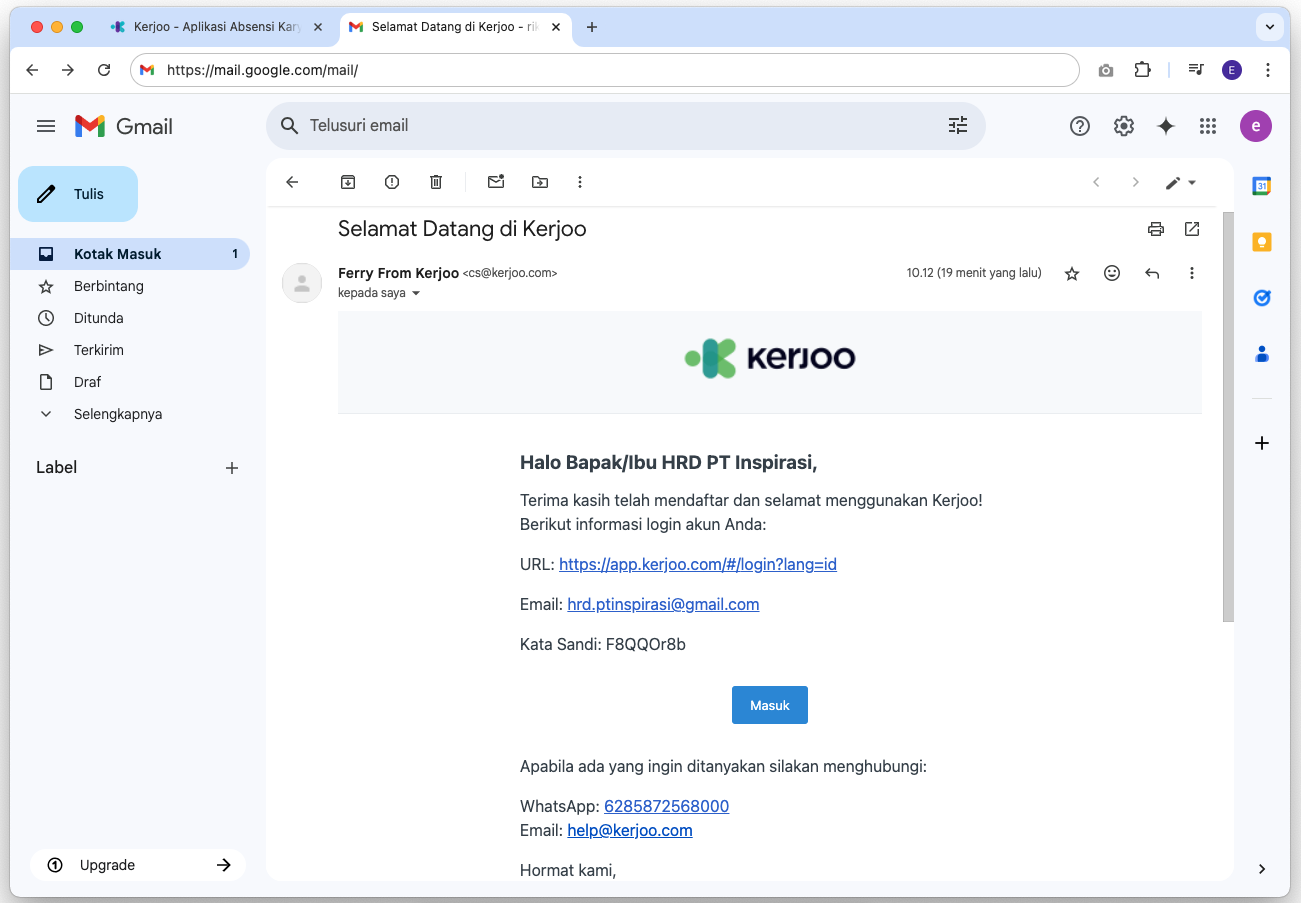
- Visit the Kerjoo website and log in using the email and password you were sent.
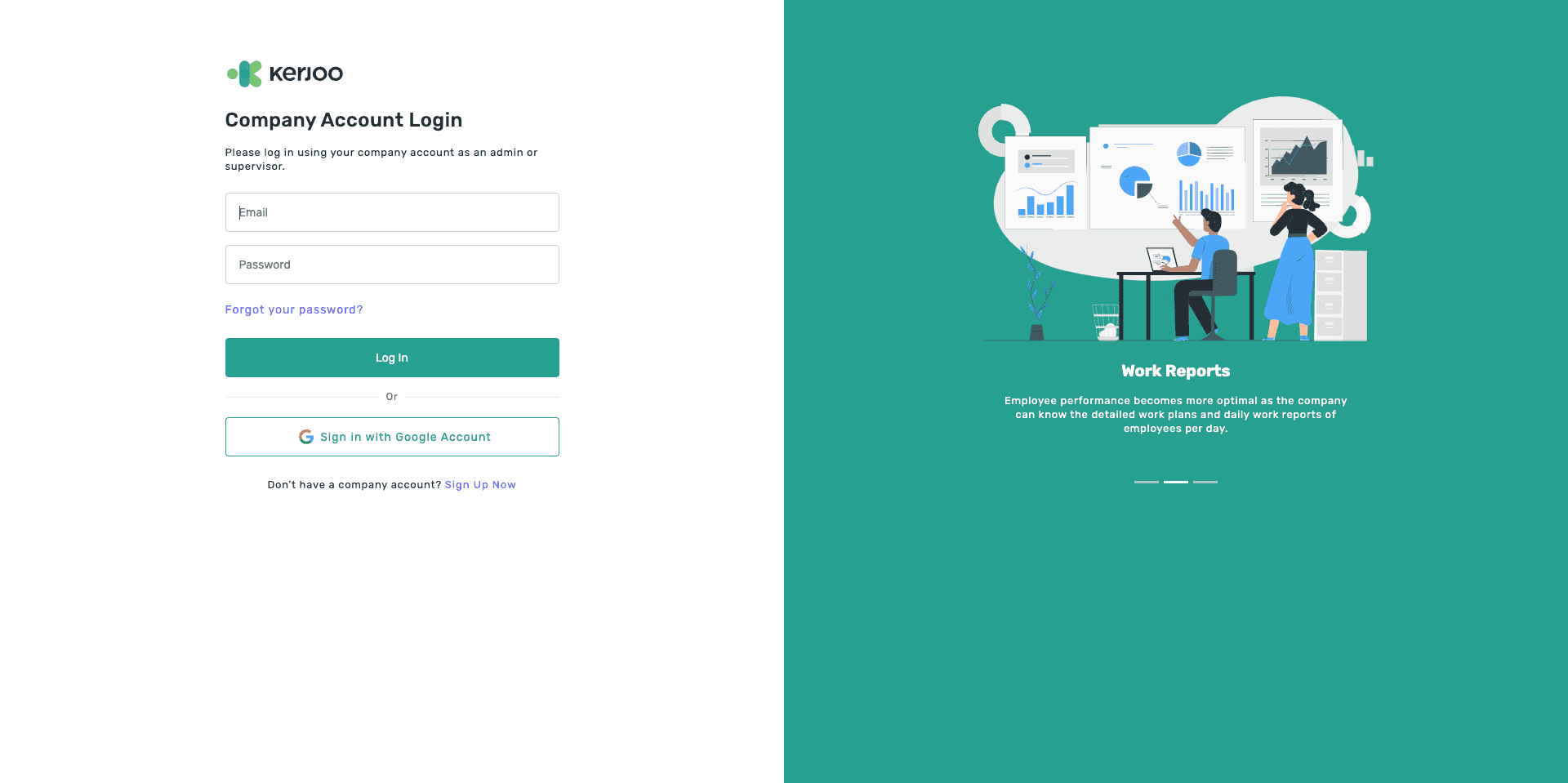
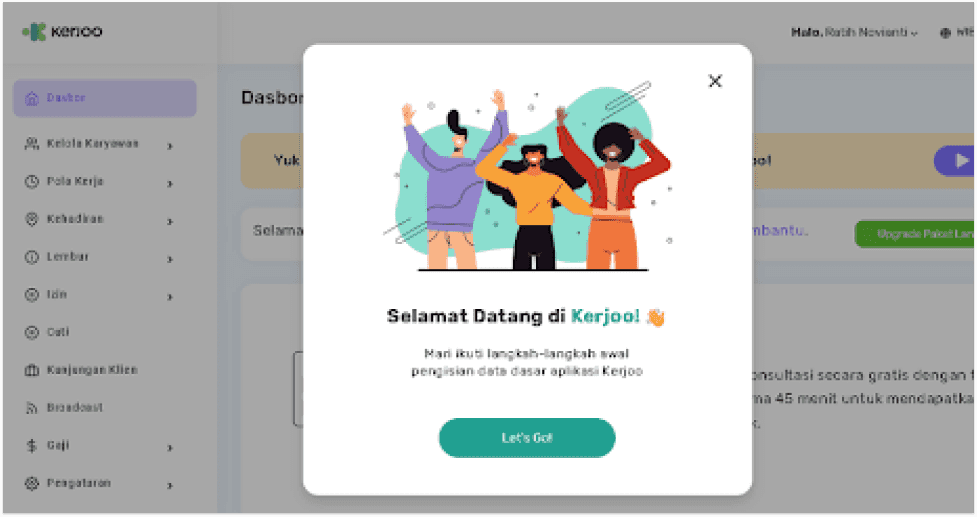
- If successful, you will immediately enter the Kerjoo admin panel page.
Forgot Password
If you forget your admin account password, reset it from the admin panel login page.
- Open the admin panel login page and click Forgot your password? below the password field.
- On the Forgot Password page, enter your admin account email address and click Send Link.
- Open the email from Kerjoo and click the link to reset your password. Check your spam folder if the email has not arrived.
- On the Set Password page, fill in New Password and Confirm Password, then click Process.
- When it succeeds, click Login to return to the login page and log in with your new password.
Employee passwords:
These steps are for admin panel accounts. Employees who forget their app password can follow the steps in Employee App.