Manage Employee
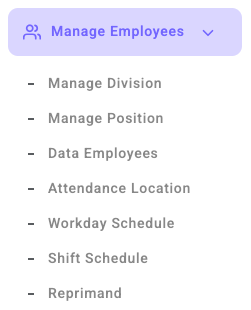
Employee Admin Panel is used to manage employee data centrally. In this menu, admin can manage division structure, job titles, employee data, attendance location, workday schedule, and shift schedule. These settings help companies run operations in a more organized and efficient way.
Important warning:
Before you start inputting your company's actual employee data, make sure you reset the dummy data first. If the dummy data has not been reset, the new employee data cannot be saved.
How to Reset Dummy Data
- After successfully registering your account, a notification will appear when you open the dashboard for the first time.
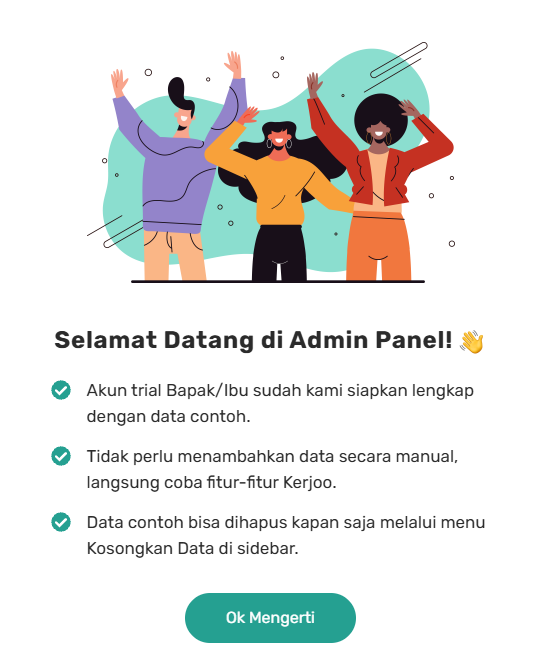
- Click Ok Got It to continue.
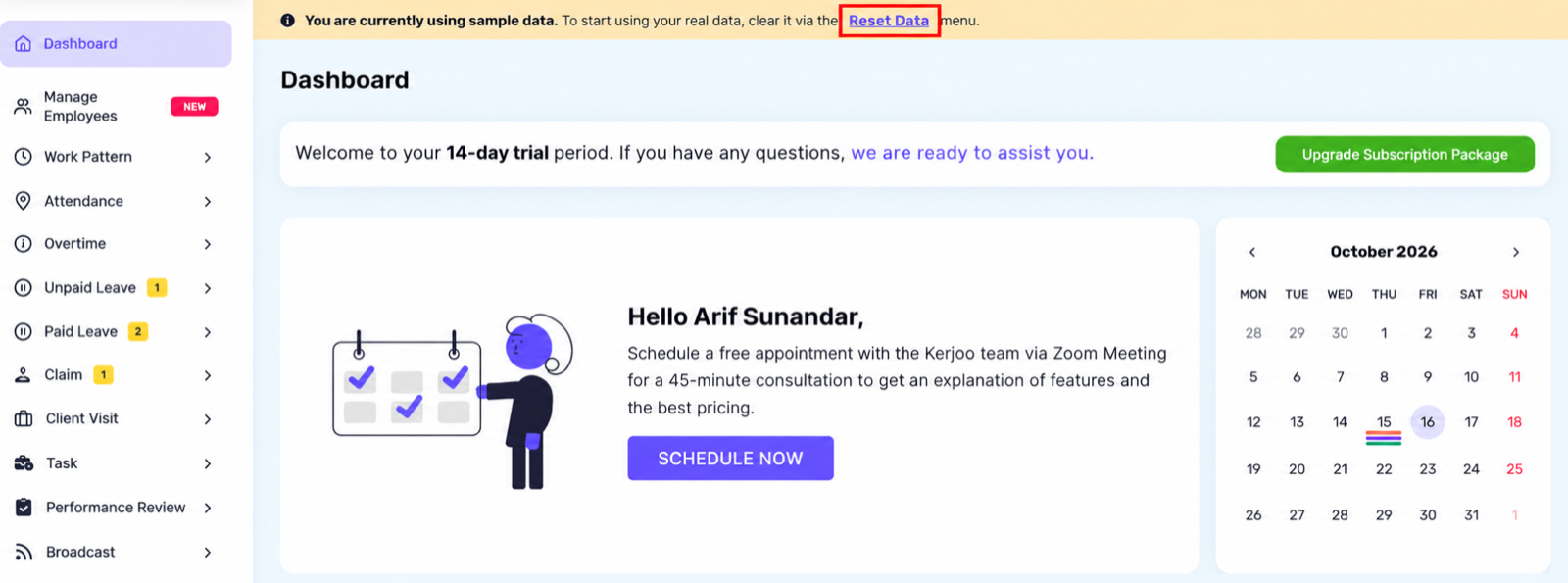
- Next, click Reset Data at the top of the dashboard to delete the existing dummy data.

- Once the dummy data has been successfully deleted, you can start adding your company's actual employee data.