Mobile Application
Used to customize the Kerjoo screen on the employee's device as needed. Admins can remove some features that may not be required for the employee's Kerjoo app and add an inspiring professional motto.
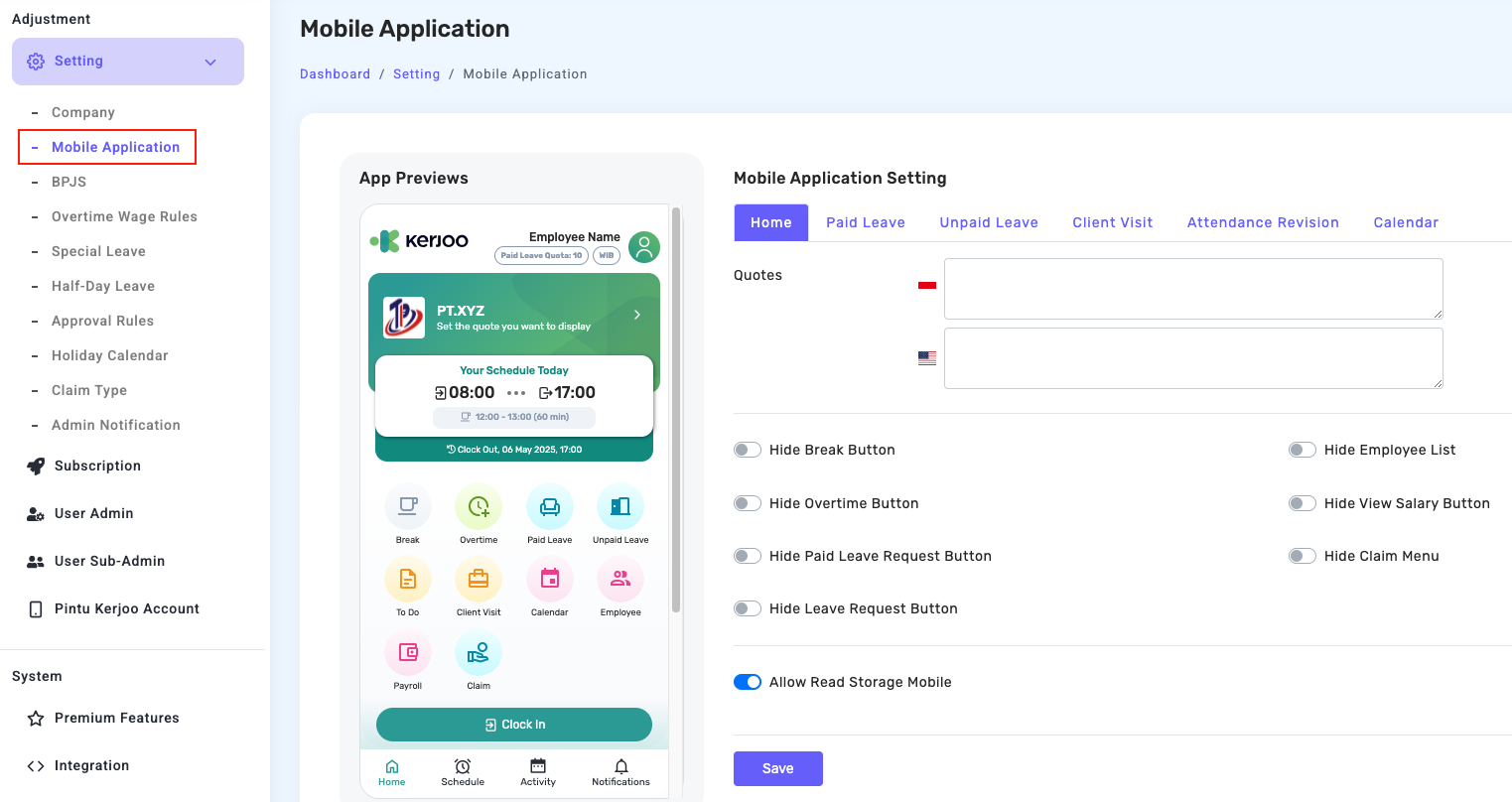
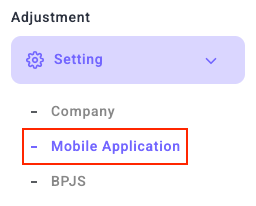
- Click Menu
- Fill in the data as needed.
- Click Save
Additional Settings:

If mobile storage is enabled, employees who apply for a leave day, hour, or paid leave can attach files or pictures already in the gallery. However, if permission is disabled, the employee can only use pictures directly.
Employee List
Make it easy to access employee data for one division. Data can be accessed by name, division, phone number, and email. The usefulness of this feature also helps the supervisor's task to see the division that he is under or is responsible for.
To hide or display the employee list, you can access it via:
- Mobile Application Settings
- See the Hide Employee List column
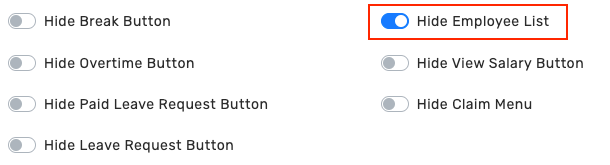
- Check Yes/No
- Click Save