Openshift
Shows extra work shifts created by the Admin that are not assigned to any specific employee.
These shifts are optional and employees can pick them based on their interest and availability, whether they work shift or non-shift jobs.
The Admin can set the schedule, pay, division targets, and the number of employees needed for each shift. Employees who take Openshift shifts get extra pay, which is automatically calculated based on the company's overtime or hourly rates. This extra pay will be added directly to their salary once they clock in for the shift.
Creating a new Openshift schedule
- Go to menu
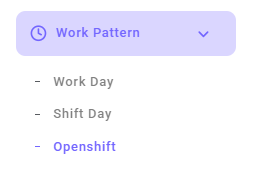
- Click the Add Openshift button.

- Fill in the data as needed. Fields marked with an asterisk (*) are required.
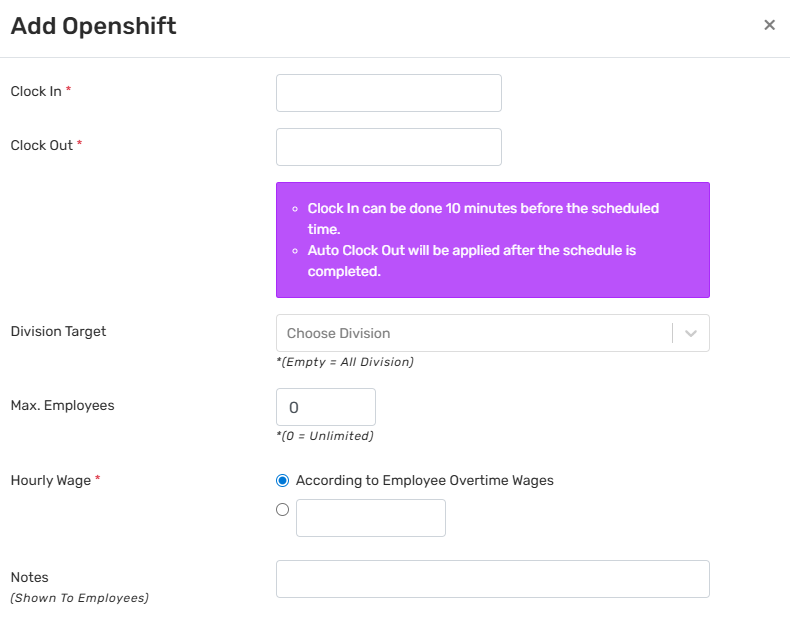
- Click Save
 . The new Openshift schedule you add will show on the table.
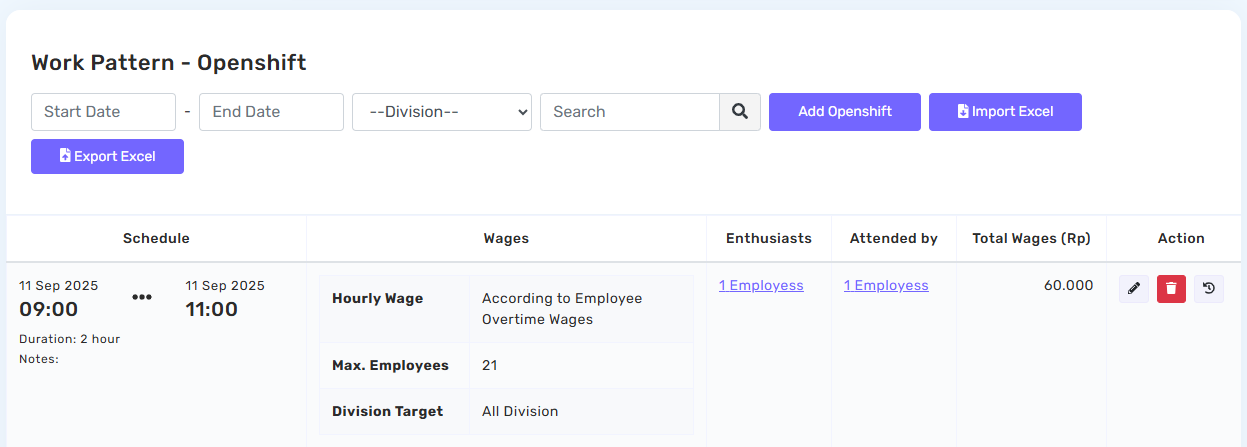
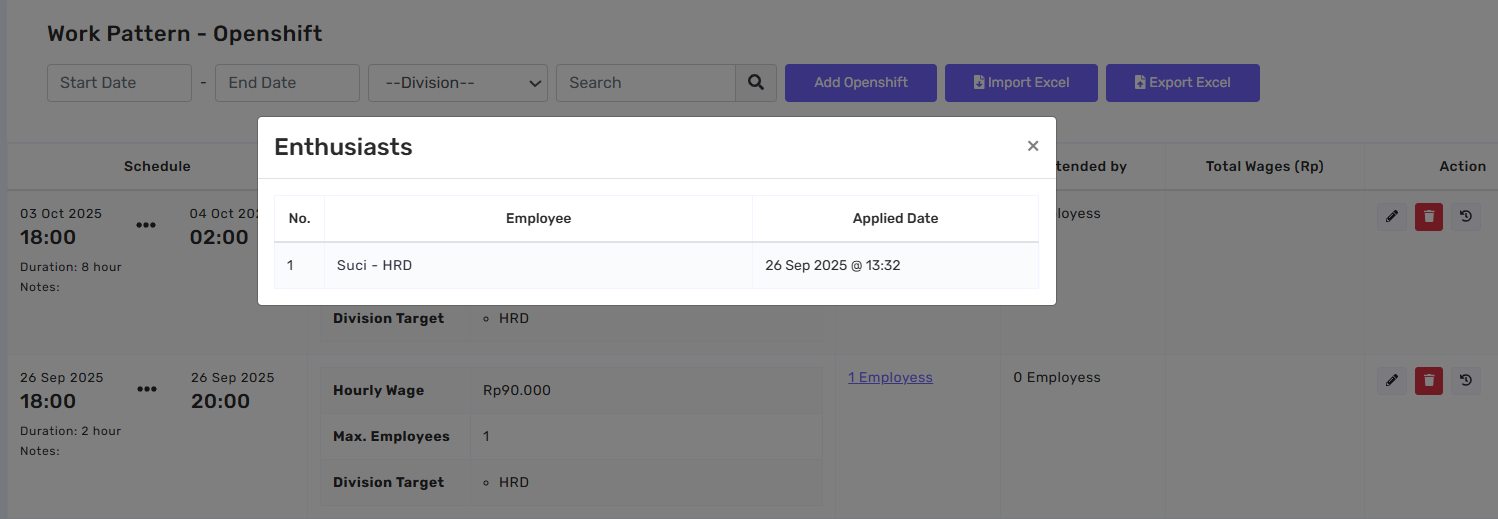
View interested employees
The interest data displays employees who have expressed interest in an Openshift schedule. This feature serves as a reminder, ensuring that these employees receive a notification when the schedule takes place.
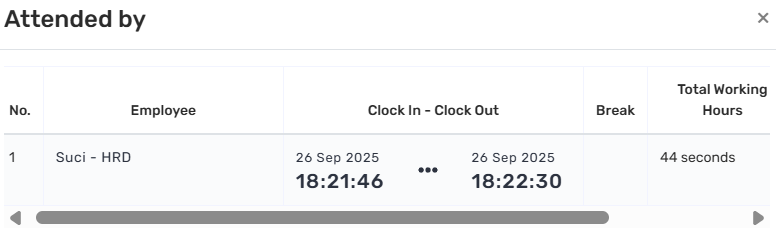
Attended by
This page displays a list of employees who have checked in for the Openshift schedule, whether or not they had previously expressed interest.