BPJS
The BPJS feature can be used by companies to manage BPJS Health and BPJS Employment membership data.
This feature makes it easier for HR to process payroll automatically in the Kerjoo admin panel. To use it, you can follow these steps.
1. Using the [Payroll] Tab in the Employee Data Menu
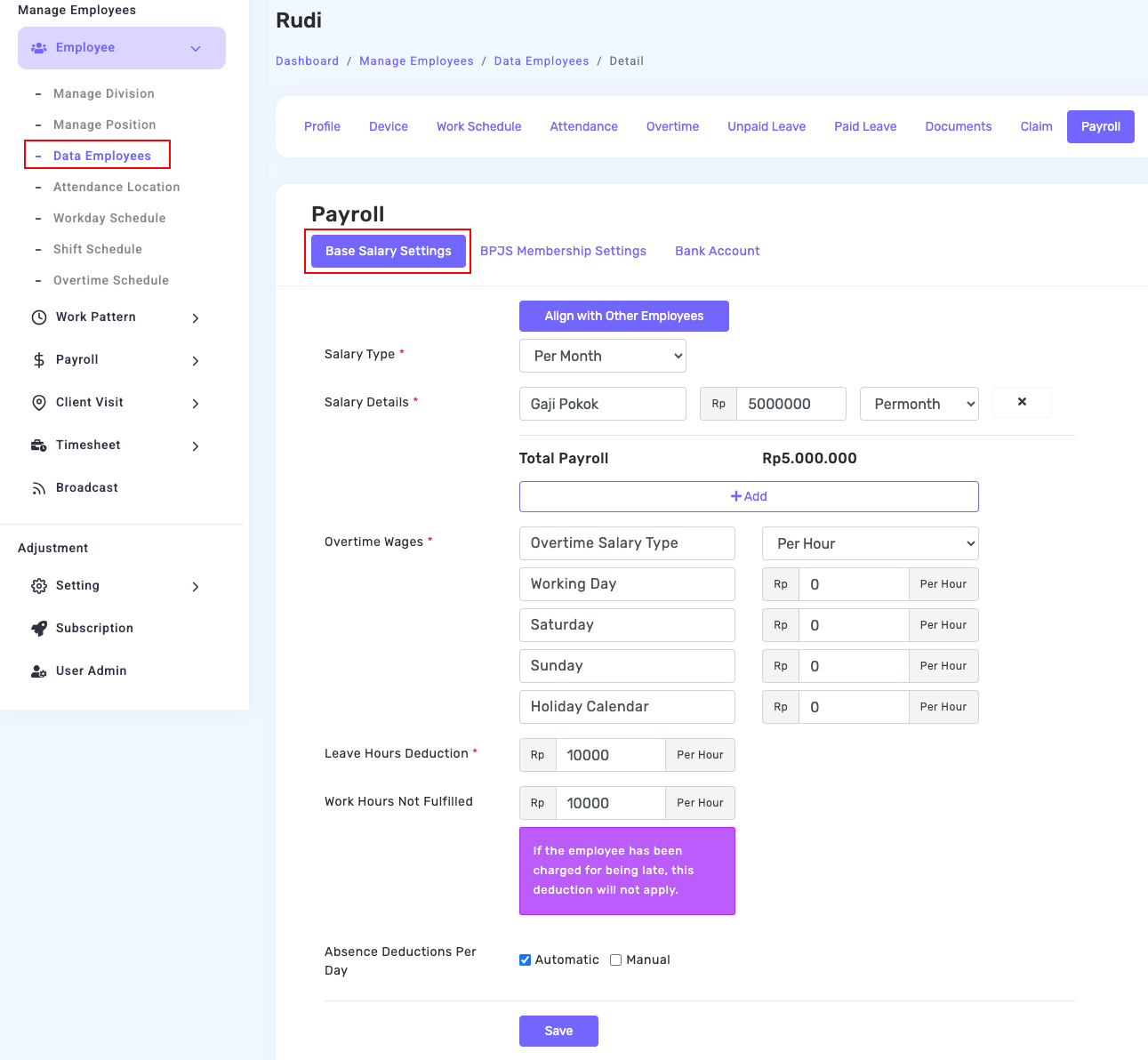
This tab can be accessed from the [Employee Data] menu 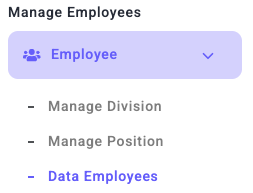 > [Employee Profile]
 > [Payroll]
 . There are two sections available:
- Add Base Salary
- Add BPJS Membership
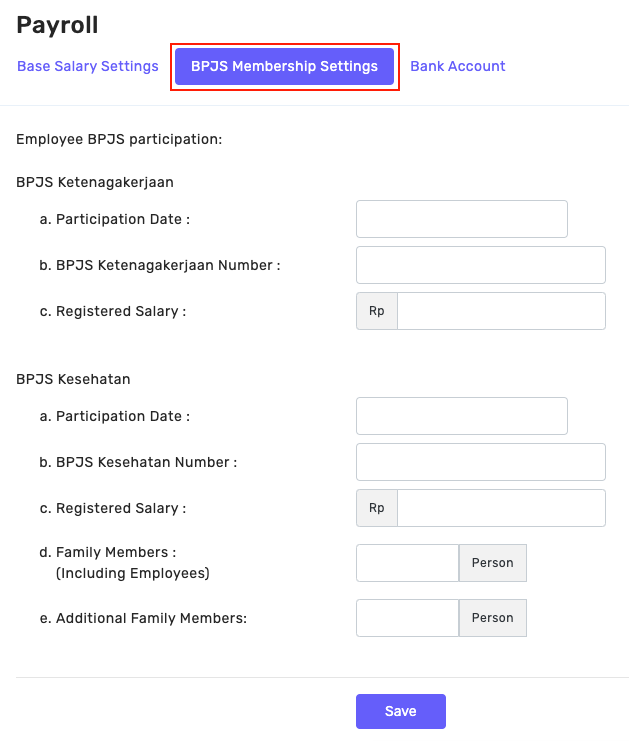
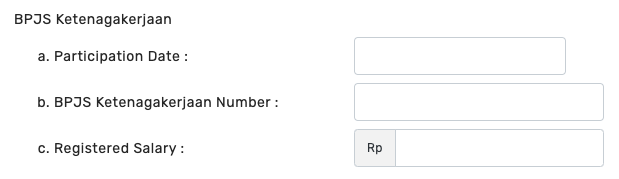
Users of the Free and Basic packages can only access the BPJS feature, and can not access the basic salary. After that, there are two types of memberships that can be input, namely:
- BPJS Employment
- BPJS Health Insurance
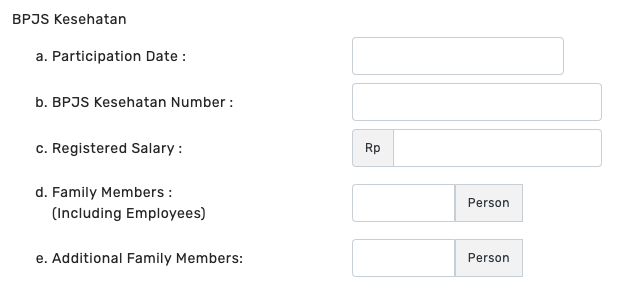
For BPJS Health Insurance, you can input a maximum of 5 immediate family members and additional family members if any. After all the data is filled in, click the [Save] button. 
2. Using the BPJS Menu in the Admin Panel
To set the type of membership that applies in the company, go to the [Settings] > BPJS menu, then Activate the type of membership used by the company, including:
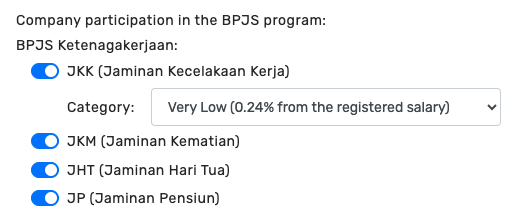
- JKK (Work Accident Insurance)
- JKM (Death Insurance)
- JHT (Old Day Insurance)
- JP (Pension Insurance)
Click Save after selecting and the Kerjoo system will automatically make it a component during salary calculation