Work Pattern - Work Day
The Workday Pattern feature helps users manage daily work schedules for each employee or division. This feature supports various work arrangements, including fixed schedules (e.g., Monday to Friday) and flexible setups such as hybrid, remote, or part-time work.
Users can choose from two types of schedules:
- Fixed Schedule
- Flexible Schedule
Once applied, the work pattern can be implemented in bulk based on specific divisions. Employees can also view and follow their assigned work schedule directly through the Kerjoo mobile app on their respective devices.
Fixed Hours Schedule
Use this schedule if:
- Employees work 5-6 days per week on a regular basis
- There are no weekly shift rotations or schedule changes
- Start and end times are the same each day
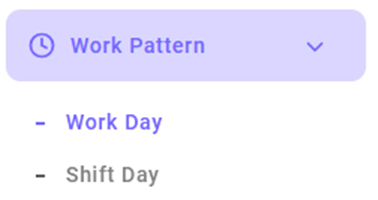
- Enter menu -
- Click the Add Work Pattern button.

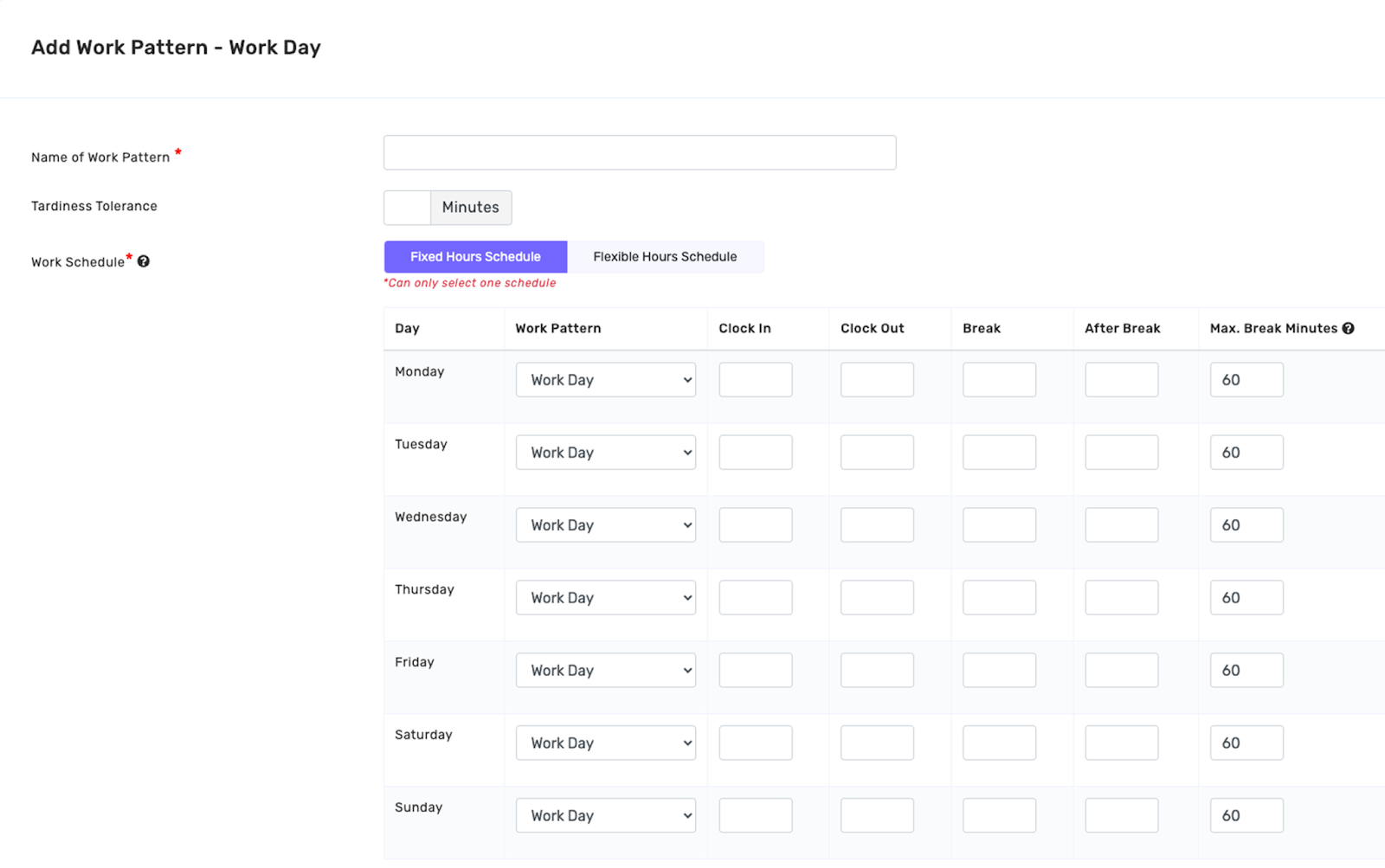
- Select Fixed Hours Schedule

- Fill in the following details:
- Work Pattern Name
- Tardiness Tolerance (optional)
- Active Workdays and specific working hours for each day (start time, end time, and break time if applicable)
- Click Save

Flexible Hours Schedule
A Flexible Hours Schedule is a type of work pattern where employees do not work on the same days every week.
This setup allows more flexibility in managing workdays and is ideal for work arrangements such as:
- Hybrid models
- Part-time roles
- Freelance assignments
- Enter menu -
- Click the Add Work Pattern button.
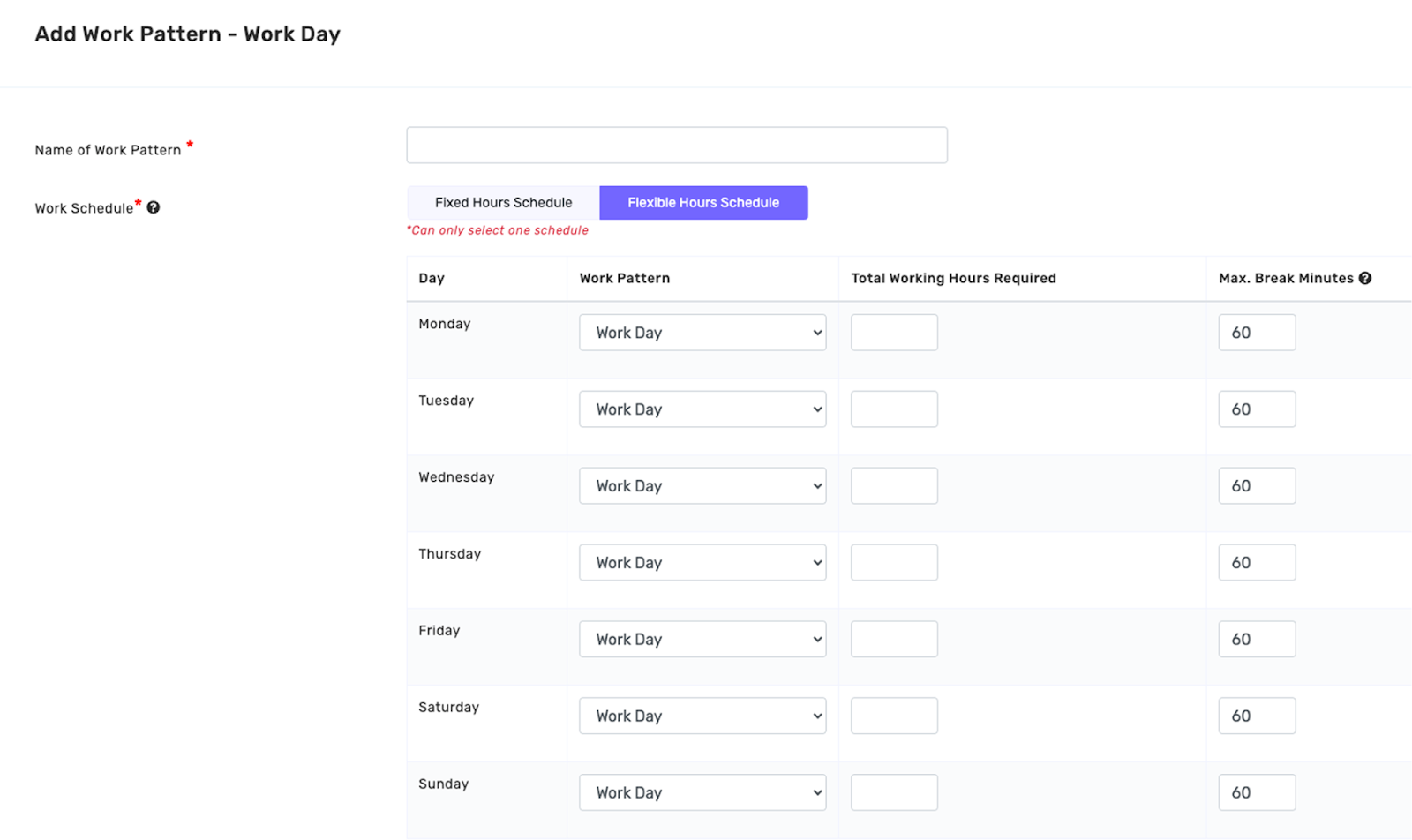
- Select the Flexible Hours Schedule option

- Fill in the following details:
- Work Pattern Name (e.g., Hybrid Schedule)
- Required Working Hours (e.g., 8 hours per workday)
- Click Save
Once this flexible pattern is applied to a division, all employees within that division will automatically follow the assigned schedule. The system will adjust attendance tracking based on the active workdays and hours as configured.