Recap Attendance Notes
Used to view a structured weekly overview of employee attendance data.
On this page, users can monitor each employee's clock-in and clock-out times based on the day and date.
How to access
- Open the Attendance menu on the sidebar.
- Click to display the list of submenus.
- Select Recap Attendance Notes.
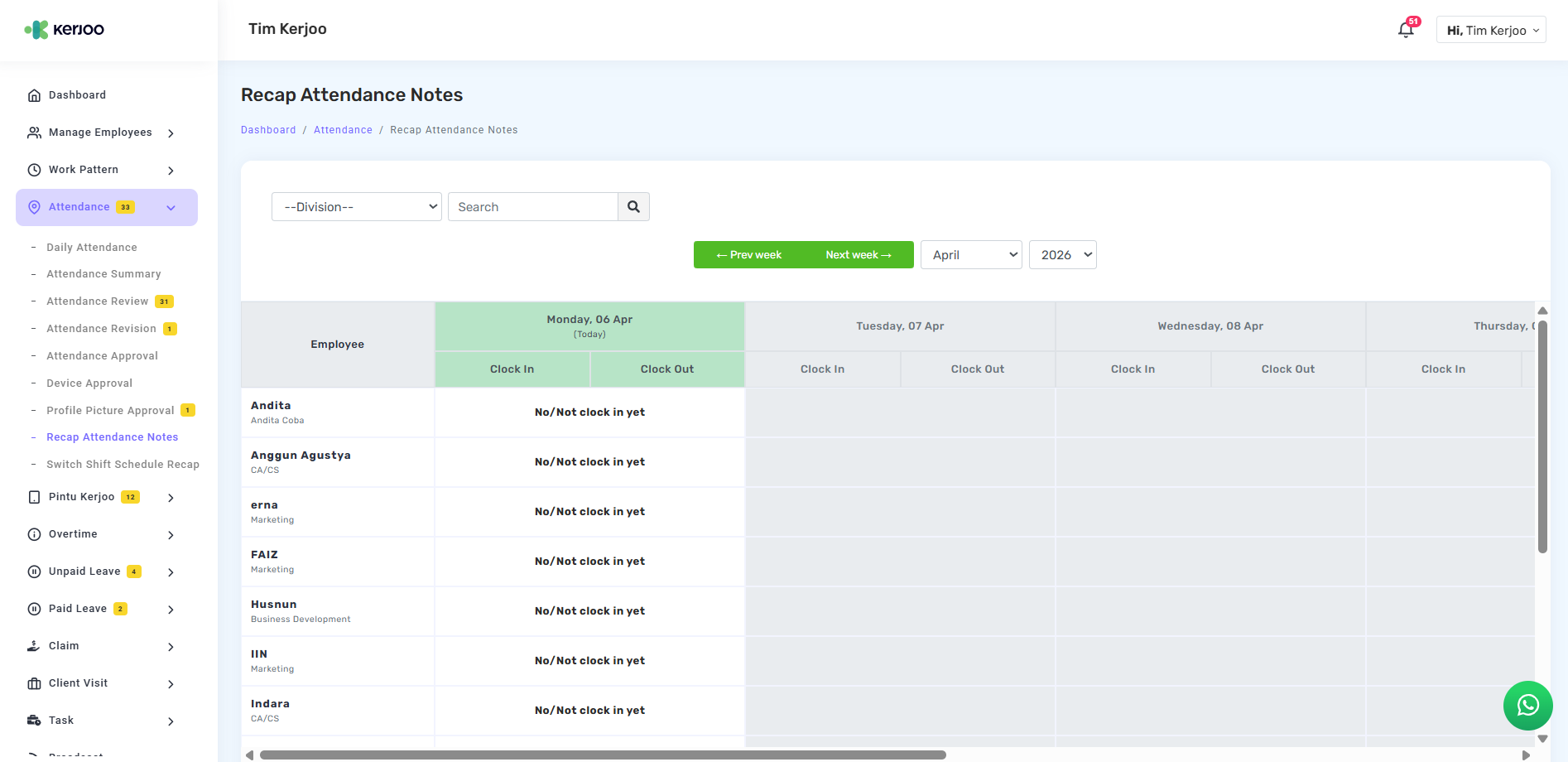
This submenu provides filter features such as division, employee search, as well as week navigation and month/year selection to make data tracking easier.
It helps monitor attendance comprehensively, making it easier to evaluate employee discipline and attendance activities.