Leave Day
This feature allows the Admin to have complete control over incoming permit applications. Admins can approve or reject permission requests based on company policy.
Admins can also view a summary of all employee permissions for today, tomorrow, and the next seven days. In addition, the admin can also add leave permissions manually.
To make it more straightforward, here are the steps that admins can take to manage employee permission requests:
- Log in to https://app.kerjoo.com/#/login with your registered email and password.
- After entering the desired menu, you will see a list of permits that have been newly submitted, processed, or rejected.
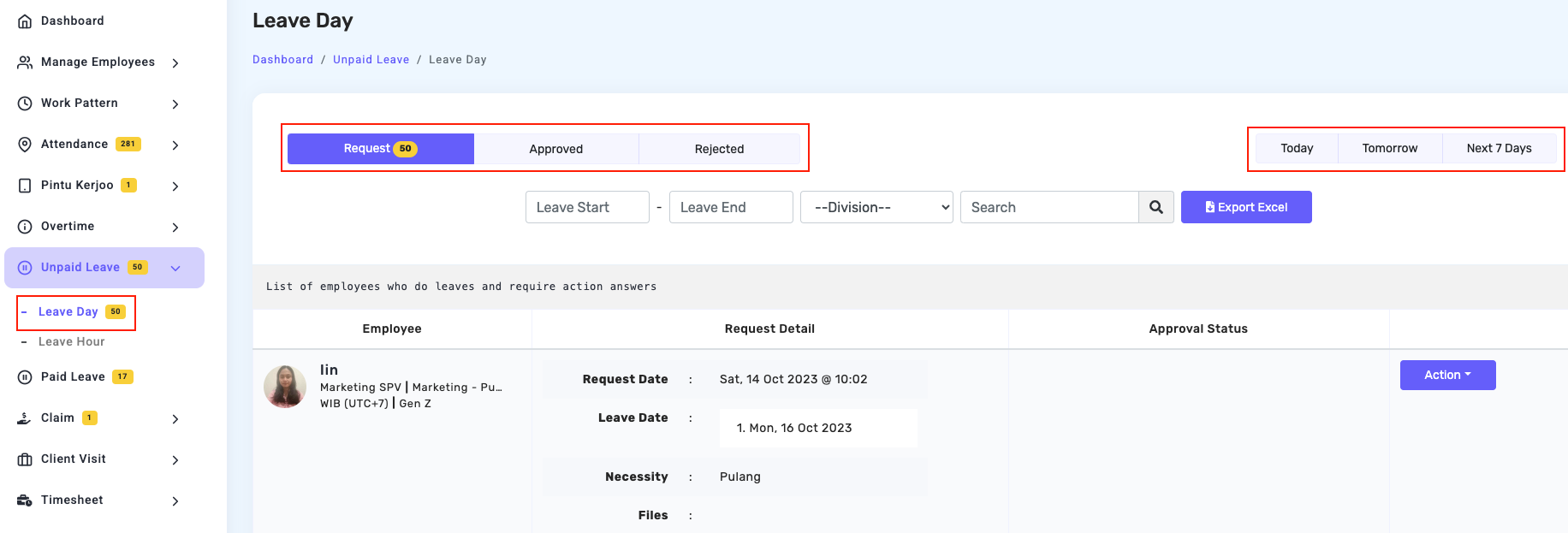
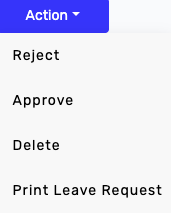
- Process employee permission requests by clicking on an employee’s profile, clicking the Action button, and accepting, rejecting, deleting, or printing the permission request if needed for administrative purposes.