Visit Schedule
In this menu, the admin can perform several actions, such as:
- Edit Schedule to change the visit date, employee name, or other client details.
- Import Schedule to add multiple visit schedules at once.
- Export Schedule in Excel format for archive or further analysis.
To add a visit schedule, you can follow these steps.
- Click Visit Schedule
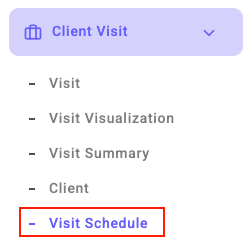 > Click the pencil icon
 > Edit Schedule
- Fill in the complete information such as the client's name, start time, and end time of the visit.

- Click Process to save the data you have inputted.

With these steps, your visit schedule can be well-documented and easily accessible at any time.
Additional Settings
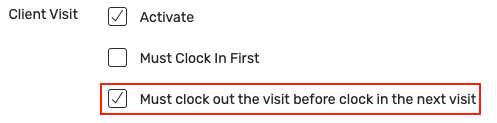
If on the same day there are more than 1 scheduled visit, then you must click go home first on the first visit in order to make the next visit.
The setting is in the Division menu 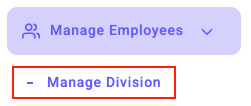 , select Action by clicking the icon , tick the client visit, and also tick the ‘Must complete visit before starting next visit’ section.