Workday Schedule
Used to input and change the work schedule based on the work pattern that has been inputted previously. This admin panel not only ensures that working hours data is always accurate, but also optimizes the salary calculation process.
- Enter the Employee menu -
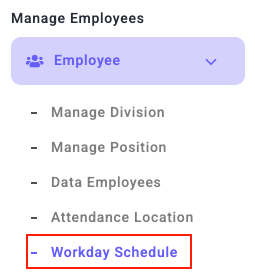
- Work Day Schedule
- Choose Bulk Working Time Button

- Fill in Division, Work Pattern, and Work Start Date
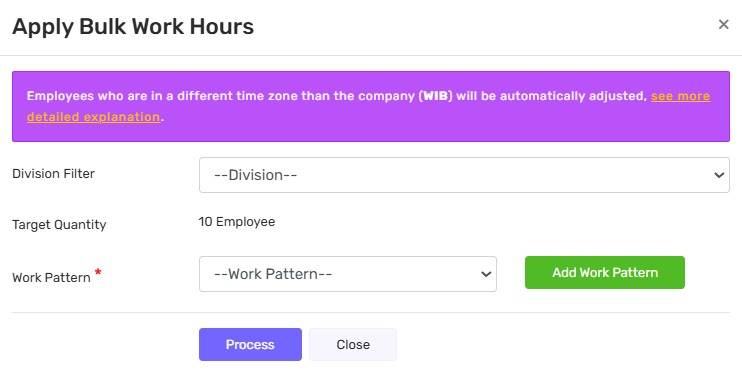
- Click Process

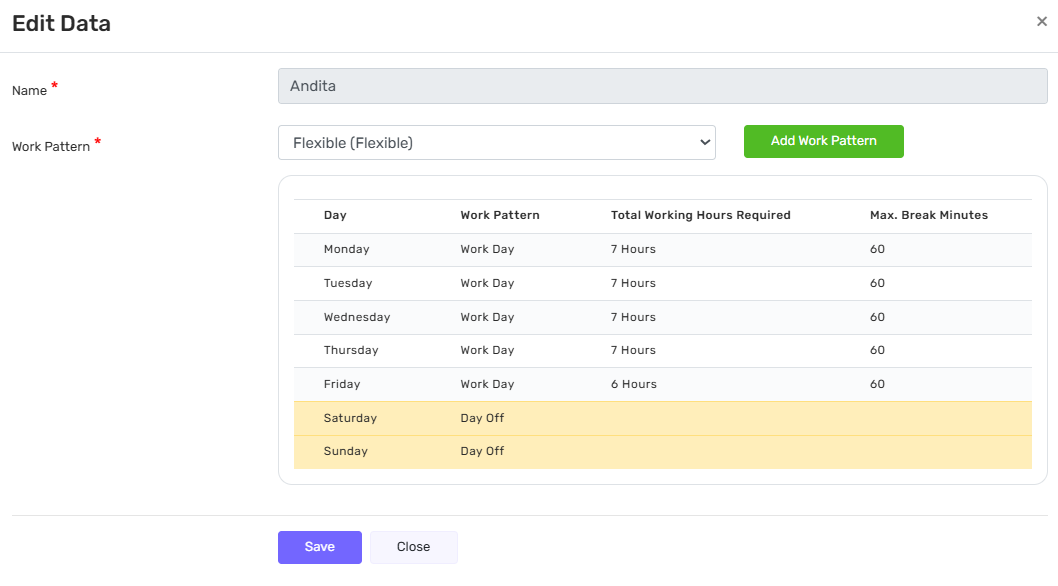
Edit Work Time
In the action column, the Edit Work Time icon  is used to configure and adjust employees' work patterns, including working hours, working days, and days off.
Through this feature, users can define the required total working hours as well as the maximum break duration for each day.
Any changes made will affect the employees' work schedules according to the saved settings.