Shift Day Pattern
This feature views, manages and adds shift work patterns for the entire team per employee or division.
Add shift work pattern.
- Enter Menu
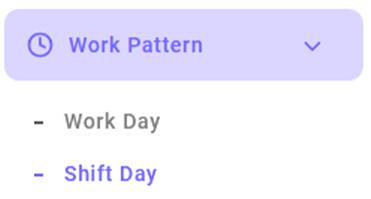
- Click the Add Work Pattern button.

- Ensure that all data is completed.
- Click save
Limitation of Break Time
Limiting break time can be applied to workday or shift patterns. If the work pattern has been created, here's how to set break time restrictions.
- Enter Menu
- Choose a work pattern that you want to be set
 Click the Pencil Icon to edit
- Set the break time range, for example 12:00–15:00, and the maximum duration (e.g. 60 minutes). Employees can choose whether or not to clock in for a break.
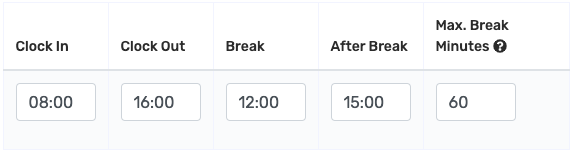
- Click save.
Icon Descriptions in the Shift Work Pattern Menu
 Used to set whether supervisors can add or update shift work patterns.
 Used to view detailed history of changes.
 Used to delete saved shift work pattern data.